

EV & Electrical Planning
Post-Installation Checklist for a Tesla Wall Connector
Use this Tesla Wall Connector handoff checklist to review mounting, cable reach, settings, app access, charging tests, permits and documents.
This article is general education, not electrical design or do-it-yourself instructions. A qualified professional must assess the property and applicable requirements.
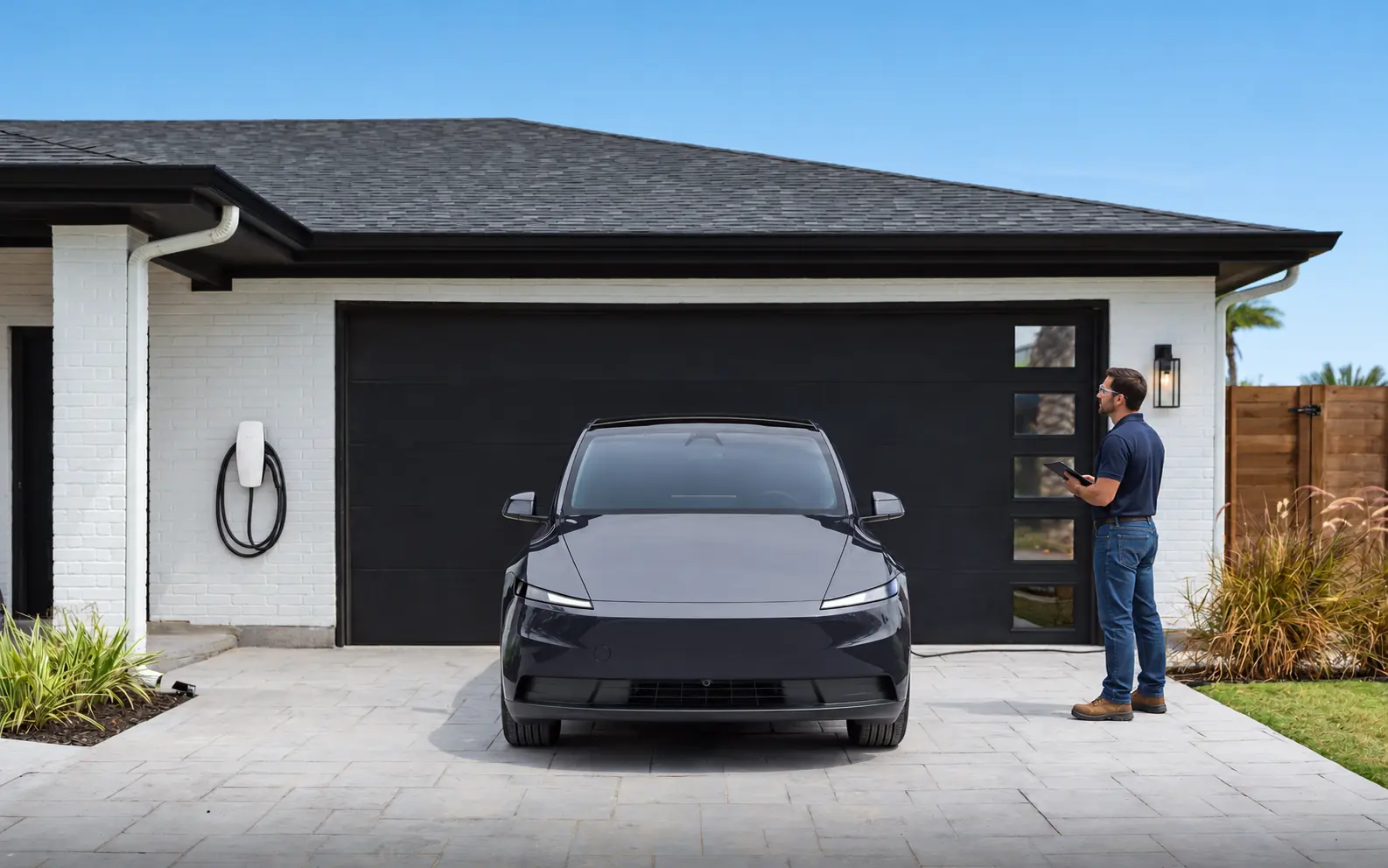
A newly mounted Tesla Wall Connector is not ready for closeout simply because the vehicle begins charging. The handoff should connect the visible installation, electrical circuit, configured settings, owner access, normal parking routine and required approval records. Problems are easiest to resolve while the installer still has the project details in front of them.
Use this checklist from normal standing positions; do not remove covers or touch service equipment. The installer performs electrical tests and commissioning under Tesla’s current instructions. Keep the provider, contracting and applicable permit information.
Start with the parking position and cable path
Park the Tesla as it will normally charge. Connect and disconnect it with the garage door, driver door, passenger doors and storage areas in ordinary use. The cable should reach without being stretched, crushed, driven over or laid across the main walking route. Check whether the connector can be returned to its holder without an awkward loop that catches bicycles, strollers or mobility equipment.
Look at the Wall Connector’s mounting from a safe distance. It should feel stable in normal use, sit where vehicle impact and stored objects are considered, and match the location described in the approved scope. Outdoor installations deserve a review of drainage, irrigation, snow or landscape exposure, as applicable. Appearance alone does not establish weather suitability; the product and installation method must fit the location.
If a second parking position was included, test it too. Record any orientation the design cannot serve; a cable stretched across a doorway is not “future-ready.”
Match the charger to the circuit record
Ask the installer to identify the supplying breaker and update the panel directory in durable, understandable language. Keep the Wall Connector model and serial information, circuit identification and configured charging current together. The breaker handle, conductor, protection, equipment configuration and vehicle capability all play different roles; a homeowner should not infer settings from one label.
The installer should confirm that commissioning reflects the installed circuit and Tesla’s instructions. Do not ask for a higher setting merely because charging appears slower than an online example. Changing an installer setting later without reviewing the electrical design can defeat the basis on which the circuit was installed.
If load management or power sharing is present, add the controller, sensors and other Wall Connectors to the record. A small diagram showing what communicates and the total allocated limit is more useful than an unlabeled screenshot.
Complete commissioning before the installer leaves
Tesla’s current installation resources should guide setup. Ask the installer to show that commissioning was completed, identify any required local connection or network step and explain which settings are installer-controlled. The homeowner does not need the installer to reveal private credentials, but should receive the normal owner access and documentation needed for future support.
Record the configuration date because interfaces can change. Closeout should identify the equipment, approved electrical limit, operating mode and completed test.
If commissioning cannot be finished because internet service, owner account access or another component is unavailable, put it on a written punch list. Name who returns, what must be available and whether charging may be used safely in the interim.
Connect owner access deliberately
Add the Wall Connector through Tesla’s current owner process when supported features are desired. Use an owner-controlled account and document who administers charging or receives access later.
Verify Wi-Fi coverage at the installed location using the normal home network. Ask which features rely on connectivity and what basic charging behavior remains when the router or internet is unavailable. A successful network connection is useful, but it does not replace electrical commissioning.
Keep network security separate from the electrical handoff. Do not place Wi-Fi passwords in a permit file or on a label visible in the garage. If the home changes routers later, follow Tesla’s current reconnection instructions rather than resetting electrical configuration by guesswork.
Test a real charging session
Connect the actual vehicle and observe the beginning of a normal session. Confirm that the connector seats properly, the vehicle recognizes AC charging and no unexpected warning appears. Review charging status through the vehicle and supported Tesla interface, but let the installer decide which electrical measurements are required.
Leave the vehicle connected long enough to see stable operation under the installer’s test plan. If the homeowner uses scheduled charging, demonstrate both the schedule and an intentional immediate-charge override. Competing schedules in the vehicle and Wall Connector can make a correctly installed system appear unresponsive.
Charging rate can vary with vehicle capability, state of charge, temperature, circuit configuration and controls. The closeout question is whether the installation performs as designed, not whether it matches the highest number seen in marketing or another home.
Verify power sharing or dynamic controls
For multiple Wall Connectors, connect the vehicles and observe the coordinated behavior that the design is intended to provide. Confirm which devices belong to the group and the total power allocation established during commissioning. Labels should distinguish chargers if the app or records list several similar names.
If the system adjusts charging based on household load, ask the installer to explain the sensor location and the normal response. Testing should follow the approved commissioning procedure; the homeowner should not switch appliances repeatedly or alter controller settings to force a demonstration.
Write down the fallback behavior after loss of communication or power. Identify the support path for a controller fault versus a Wall Connector problem. Managed charging is only understandable when the owner knows what is being managed and how a failure is reported.
Close the permit and inspection loop
Ask for the permit number, approved scope and final inspection status when those processes apply. The exact requirements come from the authority for the property. A permit application, a passed inspection and utility approval are separate records; a Wall Connector project may not involve all of them, but the contract should say which are relevant.
Resolve any correction notice in writing. If an inspector has not completed the final step, do not let “installation complete” obscure that open item. Keep the contractor’s legal business name and invoice with the permit record so later owners can connect the documents.
Association, landlord or workplace approval may be separate from the electrical permit. Store those authorizations too, especially if the route crosses common property or charging energy is allocated through a shared account.
Collect a complete closeout packet
The packet should contain the quote and changes, invoice, equipment and circuit details, owner-visible settings, permit and inspection records, available route photographs, product documents, warranty terms and support contacts.
If wall repair, trench restoration or network work remains, list it separately rather than burying it in electrical completion. Record any surface raceway, junction point or pathway prepared for a second charger. A future electrician should be able to understand the installation without opening walls solely to find the route.
Store records with the home, not only in one person’s email. A concise digital folder and a printed circuit reference near other property documents are usually easier to transfer.
Learn the normal controls and safe boundaries
Have the installer demonstrate connection and disconnection, cable storage, ordinary status information, scheduling and the owner-level restart or support process described by Tesla. Ask what the homeowner should do if the vehicle reports a charging fault, the Wall Connector appears offline or the breaker has operated.
Do not repeatedly reset a breaker, open the Wall Connector, increase current or bypass a management device. Heat, burning odor, arcing, visible damage, water intrusion or repeated faults call for stopping use and obtaining qualified help. Smoke, flame or immediate danger requires emergency services.
Clarify whether a vehicle warning should go first to Tesla vehicle support, a Wall Connector error to product support or an electrical symptom to the installing electrician. Keep the observed message and time rather than attempting internal troubleshooting.
Observe the first week without obsessing over the app
Use the charger through several ordinary arrivals and departures. Check that the cable remains convenient when the garage is full, schedules deliver enough energy and connectivity is reasonably stable. Note exact warning messages, dates and which vehicle was connected if a problem appears.
Compare performance with the design brief. A household that requested overnight recovery should review whether the vehicle is ready by departure, not constantly chase peak power. If charging pauses because of configured load management, confirm that it resumes as intended.
Contact the appropriate support party for persistent interruptions, new heat or odor, damaged equipment or a repeated breaker operation. Do not wait for the end of a warranty period to document a problem. Conversely, a single app refresh delay does not prove an electrical defect; preserve evidence and let the responsible party diagnose it.
Recheck after changes to the home or vehicle
A new EV, panel work, solar, a home battery, a generator, major appliance replacement or relocation of the parking space can affect the original charging plan. Provide the next electrician with the closeout packet and ask them to preserve or update the documented settings.
If the property is sold, transfer owner access using Tesla’s current process and leave circuit and permit records for the buyer. Remove personal network information while keeping the technical file. Good documentation is what makes an installation serviceable after the original installer is gone.
Frequently asked questions
Is the installation complete once my Tesla starts charging?
No. Commissioning, correct circuit configuration, permit or inspection closeout where applicable, owner access, normal-use testing and documentation should also be resolved.
May I increase the Wall Connector setting later?
Do not change installer-controlled current without a qualified review of the circuit and electrical system. The configured limit is part of the installed design, not a speed preference.
What if the Wall Connector will not join Wi-Fi?
First preserve the exact message and confirm ordinary network availability. Follow Tesla’s current support steps or contact the installer. Avoid changing electrical settings while troubleshooting connectivity.
Should I test the charger with a second vehicle?
If two-vehicle use or power sharing was included in the project, test the supported arrangement during handoff. Otherwise, record the current vehicle and connector assumptions for future review.
Which records should stay with the house?
Keep the equipment and circuit details, configured setting, permit and inspection documents, invoice, warranties, route photographs and owner instructions. Remove personal account or network secrets before transfer.
Review a Wall Connector project
Explore Tesla Wall Connector installation or request service with the Wall Connector model, vehicle and property address. Provider availability, qualifications and support for the equipment are confirmed before scheduling.
Sources
Request a property-specific assessment
Share the address, equipment and project goal. The service team can confirm the next step and proposed provider qualifications.
More from the learning center
Continue reading.
Related guides for the next decision.
A Home Energy Project Roadmap: Panel, Charger, Solar and Battery
Sequence a home energy project from goals and load assessment through panel, EV charger, solar, battery, permits, commissioning and expansion.
Read the articleChoosing a Future-Ready Electrical Panel for EVs and Batteries
Plan a future-ready electrical panel for EVs and batteries by evaluating load, spaces, controls, service capacity, backup design and expansion pathways.
Read the articleCombining an EV Charger Installation with a Panel Upgrade
Plan an EV charger and electrical panel project together, compare load-management alternatives and define utility, permit and inspection responsibilities.
Read the article